
How to Fix a Broken Gaming Chair
This post contains affiliate links. As an Amazon Associate, we earn from qualifying purchases.
Fixing your broken gaming chair is a straightforward process that you can accomplish with a few simple steps. Begin by flipping the chair upside down to inspect and tighten any loose screws. If the height adjustment is malfunctioning, check the gas lift for leaks or simply lubricate it. For torn upholstery, consider patching it or replacing the padding. If the wheels are wobbly, swapping them out is an easy fix. With a little attention, your chair can be restored to its former glory. For more detailed tips and insights, continue reading!
Essential Facts in 30 Seconds
- Inspect for loose screws, wobbly parts, and damaged components before repairs.
- Check the gas lift for leaks and replace if the chair is sinking or uneven.
- Tighten all screws and bolts; use thread-locking adhesive on critical components.
- Repair or replace upholstery and padding for comfort; clean stains and inspect seams.
- Regularly maintain the chair by lubricating moving parts and checking for wear.
Disassembling and Inspecting the Gaming Chair
To fix your gaming chair, start by gathering your tools: pliers, screwdrivers, and Allen wrenches.
Flip the chair upside down. Find the tension ring or clip that holds the base. Use pliers to pop it off. It’s simple!
Next, remove the caster wheels. Use a screwdriver to pull or pry them off.
Now, detach the seat and backrest. Look for screws or bolts. Remove them with the right tool. Keep the screws in labeled containers. This helps avoid a surprise screw situation later! Additionally, check for any loose components that may contribute to instability as you disassemble the chair. It’s important to ensure that you inspect for issues like wobbly legs or sagging seats during this process. Also, consider inspecting the pneumatic cylinder for any signs of wear, as it often affects chair height stability.
Inspect each part as you take it apart. Check for damage or wear while cleaning dust and crumbs. This is your chance to make everything look new! Regular maintenance and cleaning can also help you identify issues early on, ensuring your chair lasts longer.
Follow these steps, and your gaming chair will feel like new again. Great job on taking the time to fix it!
Troubleshooting Chair Height Issues and Gas Lift Repair
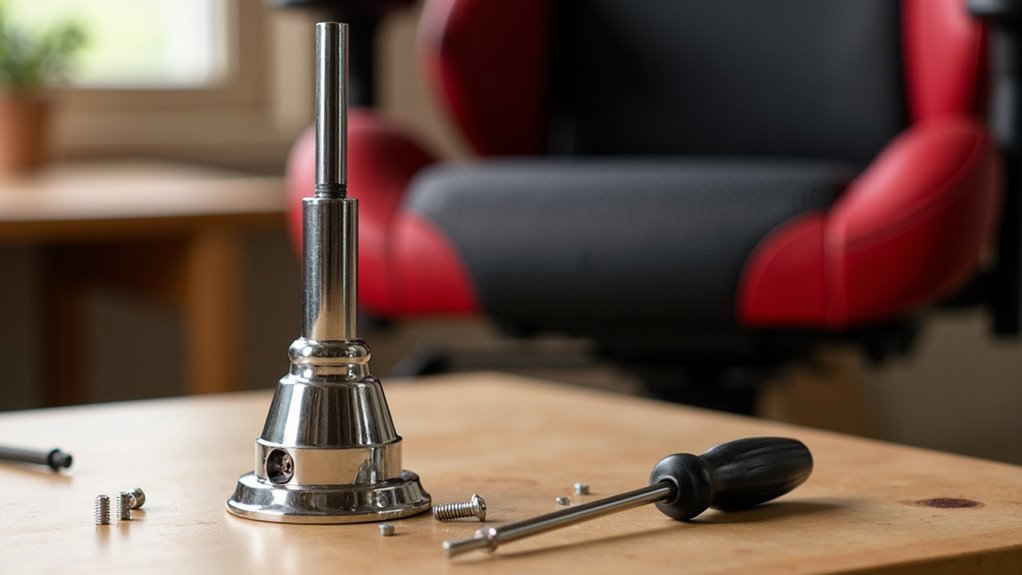
A gaming chair that changes height can be annoying. First, check the gas lift. Raise and lower the chair. If it sinks or won’t stay up, you might have a gas lift problem. Look for leaks or hear any hissing sounds. This means gas is escaping. Additionally, to effectively remove the gas lift, you may need to tap it gently with a hammer after applying some lubricant. It’s important to understand that the hydraulic mechanism relies on air pressure to maintain height, and a faulty gas cylinder can lead to persistent sinking issues. If you find any visible damage on the cylinder, it may indicate a pneumatic cylinder failure that requires replacement.
Use this troubleshooting table for quick help:
| Symptom | Possible Cause | Fix |
|---|---|---|
| Chair sinks | Gas lift failure | Lubricate and reset gas lift |
| Won’t stay at height | Lift lever obstruction | Inspect and clear blockages |
| Uneven movement | Gas lift wear | Replace the gas lift cylinder |
To fix the chair, turn it upside down. Lubricate the gas lift and test it. With these tips, you’ll be gaming comfortably again!
Tightening and Stabilizing Loose Components
A wobbly gaming chair can be annoying. Fixing it’s simple and quick!
Start by flipping your chair upside down. Check all screws and bolts carefully. Use an adjustable wrench and screwdrivers to tighten anything loose. A little turn makes a big difference! Regular inspections can help catch any issues early on, including squeaky sounds that may indicate loose components. Remember to identify the source of the squeak to ensure a thorough fix.
Don’t forget the armrests. Inspect their screws and tighten them too. Replace any rusted or damaged screws for better stability. Adding some lubricant helps everything move smoothly. Think of it as a ninja’s stealth! Regular inspections of your chair can help catch any issues early on. Additionally, ensure you assess the armrest attachment points to identify any potential weaknesses.
Consider using thread-locking adhesive if recommended by the manufacturer. This keeps screws tight and secure. Regular checks keep your chair sturdy. Enjoy gaming without worries!
Repairing or Replacing Wheels and Casters
Got a gaming chair that won’t roll? Fixing those wheels or casters is easy!
Start by checking the type of casters. Are they threaded or grip stem? You’ll need a flathead screwdriver and some lubricating oil.
Flip your chair upside down on a soft surface to avoid scratches. For threaded casters, twist them clockwise to unscrew. For grip stem casters, pull them out. Adding a little oil helps them come out smoother. If they stick, gently pry with your screwdriver or tap with a rubber hammer.
Now, get your new casters. Make sure they match the old ones in size and material. This is important for your floor type.
Push the new casters in firmly until they snap into place. Test your chair after. If it rolls smoothly, great job! You fixed it!
Addressing Upholstery and Padding Damage
Upholstery damage can be frustrating. Your favorite gaming chair deserves better! Start by checking for tears, holes, or worn spots. Don’t forget to inspect the seams. Loose threads can lead to bigger issues.
For stains, a good cleaning might help. Sometimes, you may need partial reupholstery. Regular cleaning can prevent stains from setting in and prolong the life of your chair. Additionally, using durable fabric can enhance the longevity of your upholstery repair.
Next, think about padding replacement. A flat or saggy chair needs new foam. Carefully remove the old padding. Get some high-density foam to replace it. Cut the foam to fit snugly, especially for lumbar and headrests.
Wrap the new foam with fabric. Make sure it’s tight and secure. Attaching new fabric helps ensure a smooth and wrinkle-free surface. Before you know it, your chair will feel like new!
Give yourself a pat on the back. Great job!
Preventive Maintenance and Regular Care
Taking care of your gaming chair helps it last longer and keeps you comfortable. Start by making a maintenance schedule. Clean the hydraulic gas lift regularly. This will prevent problems and stress. Check the height adjustment often. You don’t want it dropping unexpectedly!
Inspect the casters for smooth movement. A quick wipe with a damp cloth keeps them rolling well. Regularly vacuuming the chair can also help remove dust and debris that may hinder movement. Additionally, ensure that your chair’s tilt mechanism adjustment is functioning properly, as it can enhance your comfort during long gaming sessions. Clean metal parts to stop rust. Use little water and dry them fast!
Adjust your chair for good posture, ensuring chair height adjustment is appropriate to help keep you comfortable while gaming. Clean sweaty spots too. A fresh chair feels better!
Follow these tips, and your gaming chair will support you in every adventure!
Frequently Asked Questions
How Can I Choose the Right Gaming Chair for My Needs?
Choosing the right gaming chair is important for your comfort and support. Different styles are available, each with unique features. Some chairs offer extra padding, while others have adjustable parts for a better fit.
Comfort should always come first. A comfortable chair helps you focus during long gaming sessions. Look for good back support and a seat height that feels right for you.
Budget matters too. Find a chair that fits your wallet without giving up quality. Spend a little time comparing options. This will help you make a better choice.
What Materials Are Best for Gaming Chair Upholstery?
Gaming chair upholstery is very important. It affects comfort and style. Fabric is strong and allows air to flow. This helps keep you cool. On the other hand, leather looks classy and feels soft. It also breathes well, which means comfort during long gaming sessions.
Think about how often you’ll use the chair. Fabric can wear out over time, but it often costs less. Leather is usually more expensive but can last longer. Consider your gaming habits. Do you play a few hours or all day? Your choice should match your needs.
Both options have their pros and cons. Take time to think about what feels best for you. Your gaming chair should make you feel great while you play.
How Long Should a Gaming Chair Last?
A gaming chair typically lasts between two and five years. Its lifespan depends on several factors. Material quality plays a big role. Chairs made from high-quality materials last longer. How often you use the chair also matters. Heavy daily use can wear it out faster.
To extend the life of your gaming chair, consider getting replacement parts. This can keep it comfortable and functional for a longer time. Regular maintenance is also important. Clean the chair often and check for any loose parts. Taking care of your chair helps it last longer. Enjoy your gaming sessions with a chair that supports you!
Are There Any Ergonomic Features to Consider in Gaming Chairs?
Gaming chairs offer ergonomic features that support your body. Good lumbar support helps your lower back stay comfortable. Adjustable armrests let you find the perfect height. A chair that tilts or reclines can help you relax during long gaming sessions. Look for breathable materials to keep you cool.
Comfort is important. A well-fitted chair helps you focus on the game, not your discomfort. Spending hours in a chair that fits right makes a big difference. Choose a chair that suits your body size and shape. This way, you can play longer and enjoy every moment.
Can I Customize My Gaming Chair’s Appearance?
You can customize your gaming chair to match your style. Choose different colors and add logos to make it unique. Keeping up with design trends helps you pick the best look. Personalizing your chair makes it special. Enjoy your gaming experience even more with a chair that reflects you!
Conclusion
Your gaming chair is now ready! It can support you through epic battles and long gaming sessions. With some effort and useful tips, you’ve turned that squeaky chair into a throne for champions. Treat your chair with care to make it last longer than your favorite game series. Keep it clean and tight. Game on like a pro!
