Safety

  • How to Stop an Office Chair From Sinking

    An office chair that sinks can be annoying. Start by checking the height adjustment lever. Tighten any loose screws you find. For a quick fix, wrap a hose clamp around the gas lift. Another option is to slip a PVC pipe over the gas lift. This will help hold the chair’s height.

    If these methods don’t work, replacing the gas lift cylinder may be necessary. This provides a long-lasting solution. Keep your chair in good shape for better comfort and use. More tips on chair upgrades and maintenance are available.

  • How to Stop Creaking in an Office Chair

    Stop that annoying creaking in your office chair with a few simple steps. First, check for loose screws or bolts. Tighten them up. This gives your chair a good workout. Next, use silicone oil or WD-40. Spray it on moving parts like joints and wheels. This helps everything move smoothly.

    Look for rusty parts. If you see them, replace them. Worn-out casters also need to go. A quick change can make a big difference. Regular cleaning helps too. Dust and dirt can cause creaks.

    Follow these tips, and your office chair will be quiet and comfortable again. Enjoy a peaceful workday!

  • How to Adjust an Office Chair

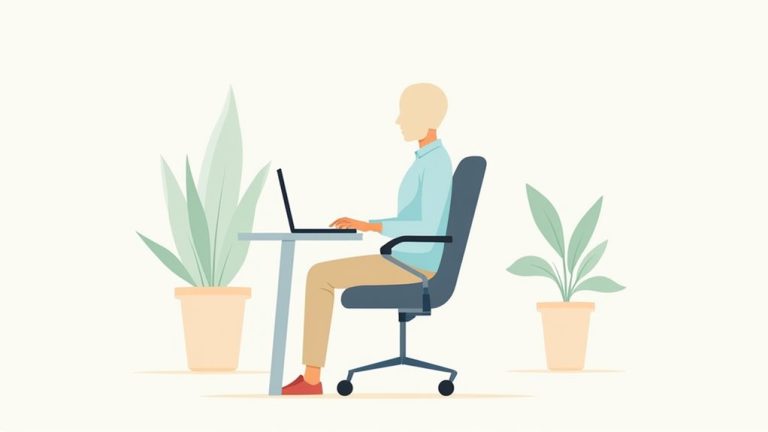
    Adjust your office chair like a pro. Start by finding the seat height lever. Your feet should rest flat on the floor. Make sure your hips and knees form a 90-degree angle.

    Next, slide the seat depth. Aim for a 2-4 inch gap behind your knees. This helps with comfort. Adjust the backrest to support your lower back. It should feel cozy.

    Check the armrests. Your elbows should rest comfortably. Lastly, twist the tilt knob. Find the perfect recline that feels right for you.

    Follow these steps for a better sitting experience. Enjoy your comfortable workspace!

  • How to Correctly Sit in a Chair

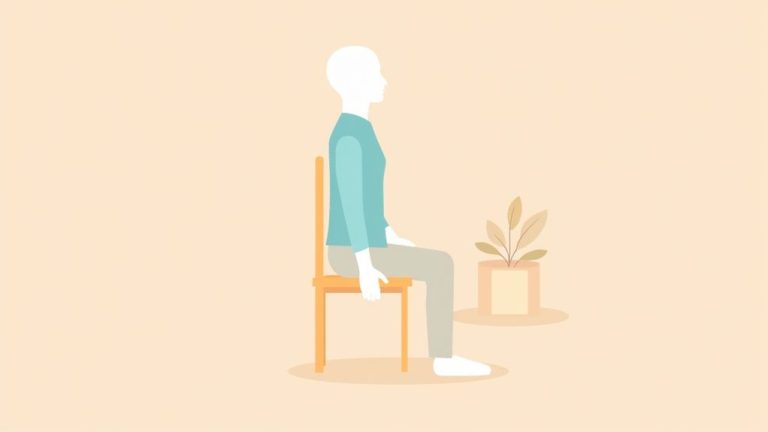
    To sit correctly in a chair, adjust it so your feet are flat on the floor. Your knees should make a 90-degree angle. Use lumbar support to keep your back straight. Sit all the way back in the chair. Keep your elbows close to your body and bend them at about 100 degrees. Let your wrists rest flat while typing. Shift your position every so often. This helps you stay comfortable and energetic. Follow these tips for better sitting posture and health!

  • How to Properly Stand up From a Chair

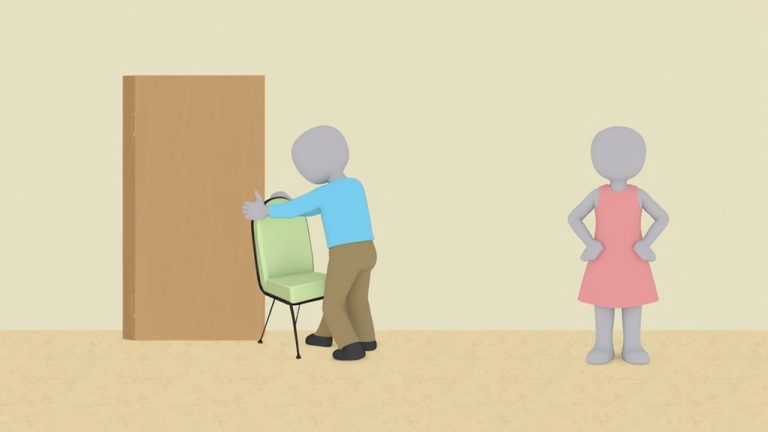
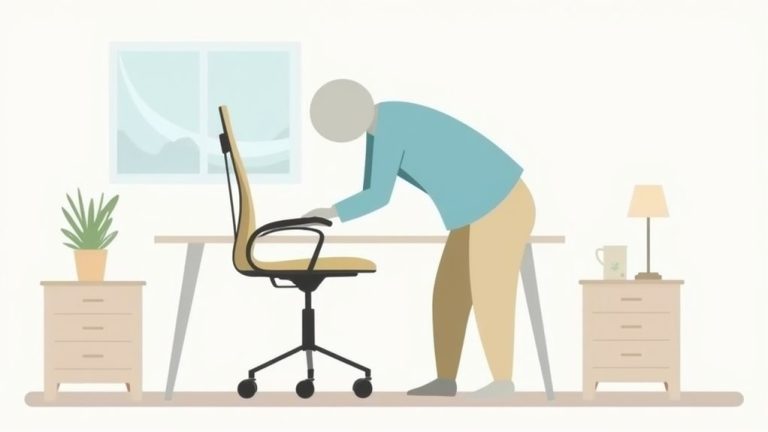
    To stand up from a chair like a pro, start by scooting to the front edge. Keep your feet flat on the floor and shoulder-width apart. Lean forward a little to get your balance. Engage your core muscles for support. Push up using your legs. You can use your arms for balance if needed. If your chair has armrests, use them to help you stand. Practice this often. Soon, you’ll stand up with ease! Stay tuned for more tips on standing strong!

  • What to Avoid When Using a Stair Chair

    Using a stair chair can make moving between floors easier. Keep a few important tips in mind to stay safe. First, remove any toys, clothes, or pets from the stairs. You don’t want to trip over something unexpected. Next, check the weight limit. Don’t overload the chair. It’s important to distribute any load evenly.

    Make sure the stairs are safe. Look for slippery spots or loose steps. Always use the safety features on the chair. They help keep you secure. Regular maintenance is key too. Check the chair often to ensure it works well. Follow these tips for a smooth and safe ride!


  • How to Sit Properly on a Chair

    To sit properly on a chair, first adjust the height. Your feet should be flat on the floor. Knees need to bend at a right angle. Aim for a gap of 2-4 inches between the seat and the back of your knees. This helps with comfort and support. Your lower back should fit snugly against lumbar support. Keep your arms relaxed at a 90-degree angle. Make sure your chin stays parallel to the floor. Good posture keeps you comfortable and focused. These tips help you sit well and stay healthy.

  • How to Sit Properly in a Chair

    Sit properly in a chair for comfort and health. First, adjust the chair height. Your feet should rest flat on the ground. Your knees should make a comfy 90-degree angle. Leave a gap of 2-4 fingers between the seat and the back of your knees. Avoid pressure on your thighs.

    Use lumbar support for your lower back. This helps keep your spine in a good position. Keep your shoulders relaxed. Your elbows should stay close to your sides.

    Take a break every hour. Stand up, stretch, and move around. This helps you stay fresh. Don’t let yourself become a chair potato! Following these tips will make sitting more comfortable and healthy.

  • How to Sit in the Office Chair

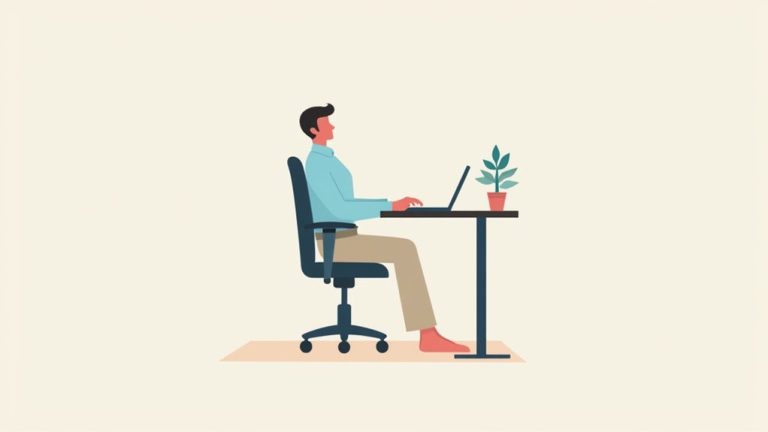
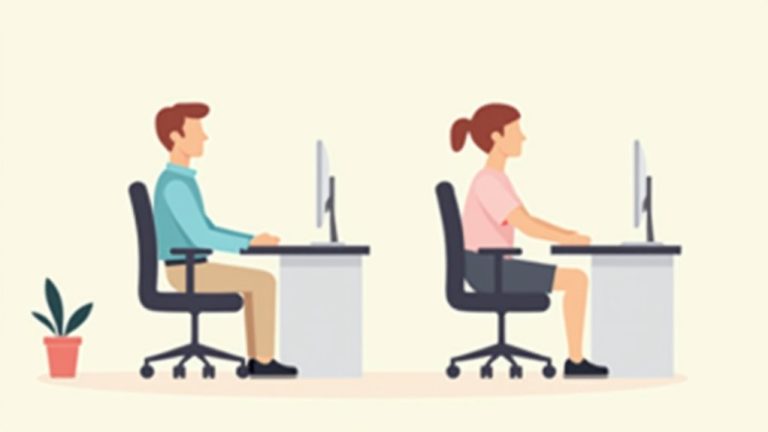
    To sit comfortably in your office chair, first adjust the seat height. Your knees should sit just below your kneecaps when you stand. Keep your feet flat on the floor. No dangling! Make sure your back is supported by the lumbar support. This should feel like a gentle hug. Your arms should rest easily on the desk. Bend your elbows at 90 degrees. Check that your feet are flat and not crossed. This helps with blood flow and comfort. Follow these steps for a better sitting experience at work. Enjoy your comfy vibes!

  • How to Sit in an Office Chair

    Sit properly in your office chair for comfort and health. Start by adjusting the seat height. Make sure your knees form a comfy 90-degree angle. Keep your feet flat on the floor. Use the lumbar support to support your lower back. This helps reduce strain. Keep your arms close to your body. Bend your elbows at another 90 degrees. Reach for your desk without twisting your body. Good posture helps you feel better all day. Remember these tips for a more comfortable workday.

  • How to Sit in a Desk Chair

    To sit in a desk chair comfortably, first adjust the height. Your knees should bend at a nice 90 degrees. Keep your feet flat on the floor—no more dangling! Measure your thigh length. Aim for a 2-4 inch space between the chair edge and your knees. This gap helps with blood flow.

    Next, find the lumbar support. It should fit snugly against your lower back. This keeps your spine in a good position. Adjust the armrests, too. They should support your arms without lifting your shoulders.

    Consider your screen height. The top of your monitor should be at eye level. This helps reduce neck strain. Lastly, take regular breaks. Stand up, stretch, and move around. This keeps your body fresh and ready to work. Enjoy your time at the desk!

  • How to Sit in a Chair Correctly

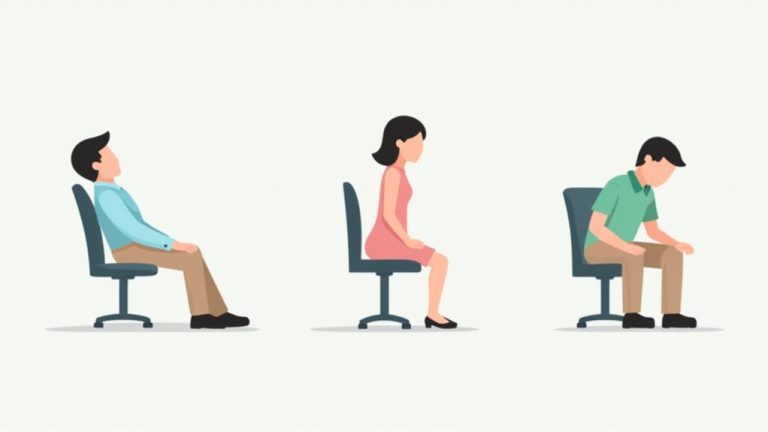
    Sitting correctly in a chair is important for comfort and health. Start by adjusting your chair height. Your feet should rest flat on the floor. This gives you a solid base. Keep your knees at a 90-degree angle. Sit with your back straight against the chair. This supports your spine.

    Your elbows should bend comfortably at your sides. Avoid crossing your legs. This can cause numbness. Keep your body relaxed. Sit up straight and breathe easily. Use a cushion if needed for extra comfort. Small changes can make a big difference. A good sitting position helps you focus better and feel good.